Excellent › Good › Playable › Limited › Unsupported
System
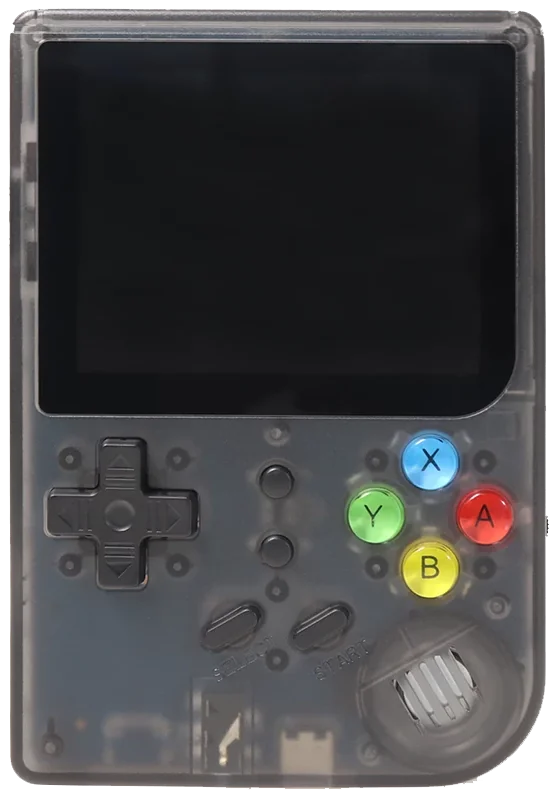
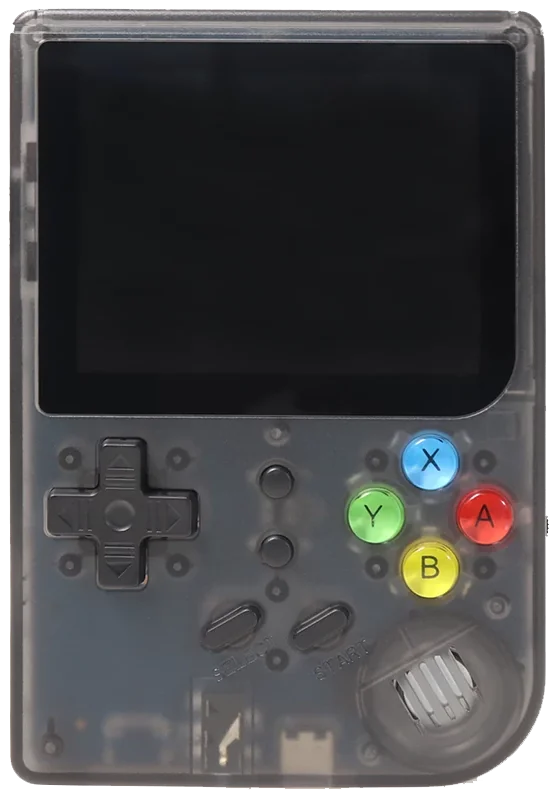
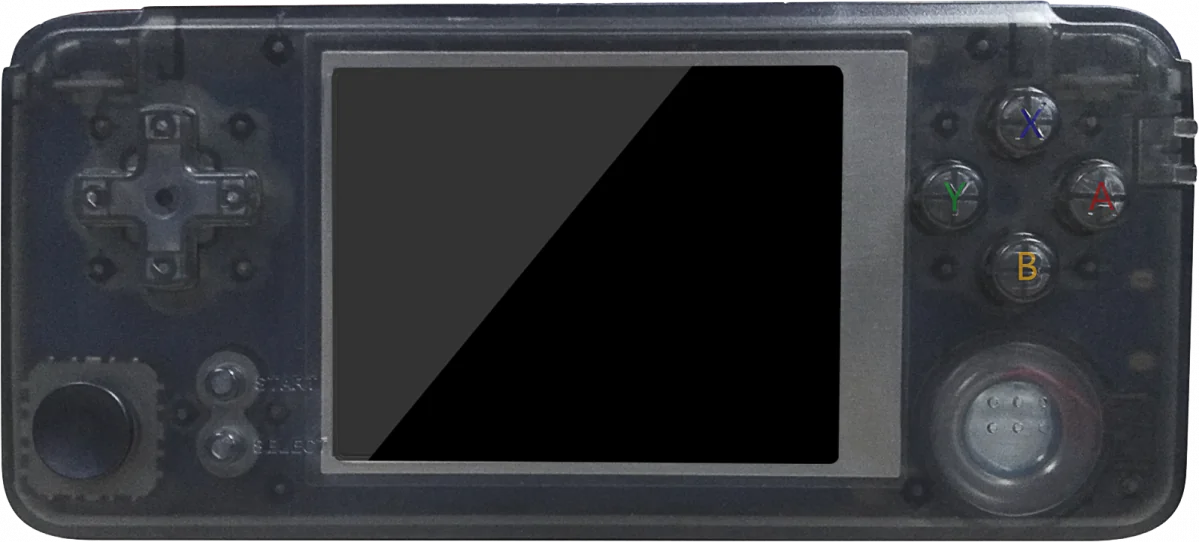
RG-300
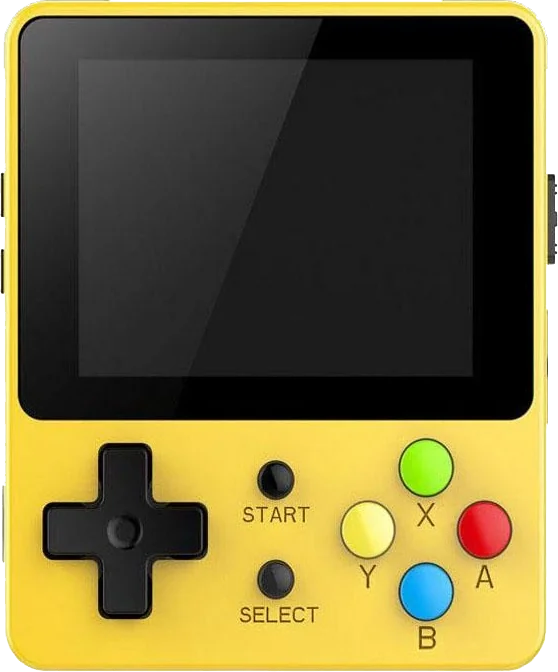
TinyPi Pro
Classic systems
Game Boy
NES
Genesis
GBA
SNES
PS1
Mid-generation systems
DS
N64
Dreamcast
PSP
Saturn
Sixth-generation systems
GameCube
Wii
PS2
Modern systems
3DS
Switch
Wii U
PS3
Emulation source notes
RG-300 DS: Nintendo DS: Either cannot run any games at all or games are unplayably slow
TinyPi Pro DS: Nintendo DS: Either cannot run any games at all or games are unplayably slow
RG-300 3DS: Nintendo 3DS: Either cannot run any games at all or games are unplayably slow
TinyPi Pro 3DS: Nintendo 3DS: Either cannot run any games at all or games are unplayably slow
RG-300 GBA: Nintendo Game Boy Advance: Most games playable at full speed, a few games have lower frame rates but still mostly playable with frameskip
TinyPi Pro GBA: Nintendo Game Boy Advance: Most games playable at full speed, a few games have lower frame rates but still mostly playable with frameskip
RG-300 N64: Nintendo 64: Either cannot run any games at all or games are unplayably slow
TinyPi Pro N64: Nintendo 64: Only the easiest to emulate games are barely playable
RG-300 NES: Nintendo Entertainment System: Almost all games playable at full speed without frameskip
TinyPi Pro NES: Nintendo Entertainment System: Almost all games playable at full speed without frameskip
RG-300 PS1: Sony Playstation: Most games playable but mostly with frameskip, struggles with harder to emulate games
TinyPi Pro PS1: Sony Playstation: Most games playable but mostly with frameskip, struggles with harder to emulate games
RG-300 PS2: Sony Playstation 2: Either cannot run any games at all or games are unplayably slow
TinyPi Pro PS2: Sony Playstation 2: Either cannot run any games at all or games are unplayably slow
RG-300 PS3: Sony Playstation 3: Either cannot run any games at all or games are unplayably slow
TinyPi Pro PS3: Sony Playstation 3: Either cannot run any games at all or games are unplayably slow
RG-300 PSP: Sony Playstation Portable: Either cannot run any games at all or games are unplayably slow
TinyPi Pro PSP: Sony Playstation Portable: Either cannot run any games at all or games are unplayably slow
RG-300 Wii: Nintendo Wii: Either cannot run any games at all or games are unplayably slow
TinyPi Pro Wii: Nintendo Wii: Either cannot run any games at all or games are unplayably slow
RG-300 SNES: Super Nintendo Entertainment System: Most games playable but mostly with frameskip, struggles with harder to emulate games
TinyPi Pro SNES: Super Nintendo Entertainment System: Most games playable at full speed, a few games have lower frame rates but still mostly playable with frameskip
RG-300 Wii U: Nintendo Wii U: Either cannot run any games at all or games are unplayably slow
TinyPi Pro Wii U: Nintendo Wii U: Either cannot run any games at all or games are unplayably slow
RG-300 Saturn: Sega Saturn: Either cannot run any games at all or games are unplayably slow
TinyPi Pro Saturn: Sega Saturn: Either cannot run any games at all or games are unplayably slow
RG-300 Switch: Nintendo Switch: Either cannot run any games at all or games are unplayably slow
TinyPi Pro Switch: Nintendo Switch: Either cannot run any games at all or games are unplayably slow
RG-300 Genesis: Sega Genesis / Mega Drive: Almost all games playable at full speed without frameskip
TinyPi Pro Genesis: Sega Genesis / Mega Drive: Almost all games playable at full speed without frameskip
RG-300 Game Boy: Game Boy / Game Boy Color: Almost all games playable at full speed without frameskip
TinyPi Pro Game Boy: Game Boy / Game Boy Color: Almost all games playable at full speed without frameskip
RG-300 GameCube: Nintendo GameCube: Either cannot run any games at all or games are unplayably slow
TinyPi Pro GameCube: Nintendo GameCube: Either cannot run any games at all or games are unplayably slow
RG-300 Dreamcast: Sega Dreamcast: Either cannot run any games at all or games are unplayably slow
TinyPi Pro Dreamcast: Sega Dreamcast: Either cannot run any games at all or games are unplayably slow
Frequently asked
What's the difference between the Anbernic RG-300 and the Pi0cket TinyPi Pro?
Anbernic RG-300 has similar emulation coverage to Pi0cket TinyPi Pro. Anbernic RG-300 has a 60 Hz IPS screen, versus IPS on Pi0cket TinyPi Pro. Anbernic RG-300 runs RetroFW; Pi0cket TinyPi Pro runs Linux (RetroPie).