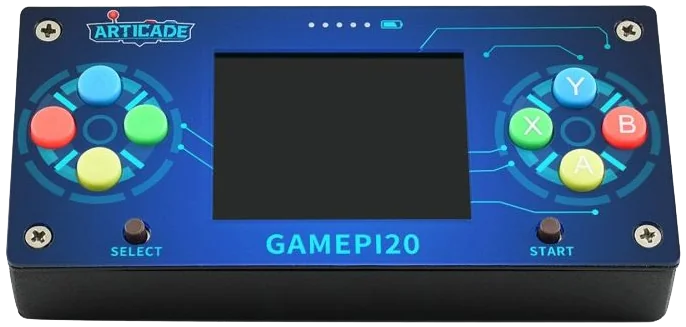
Overview
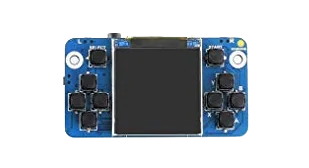
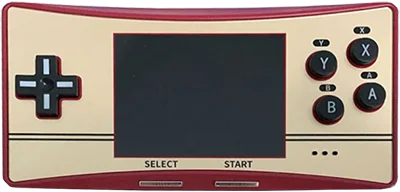
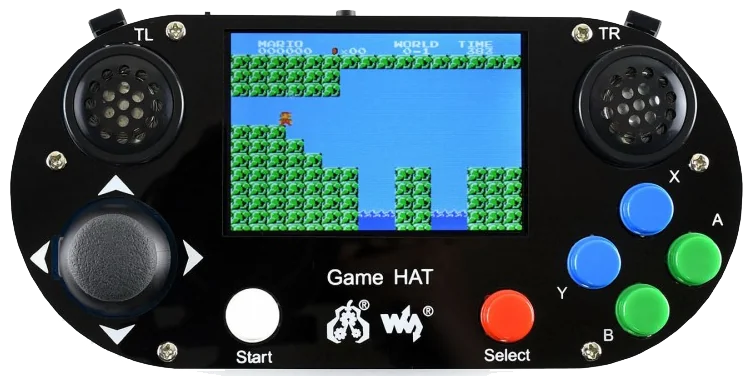
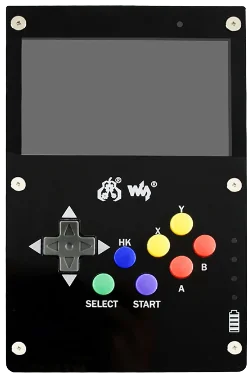
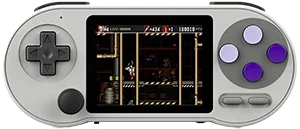
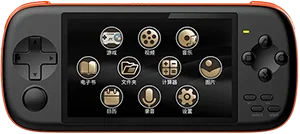
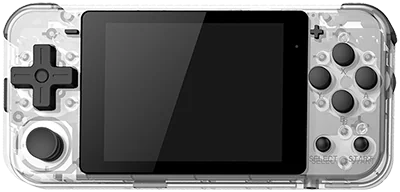
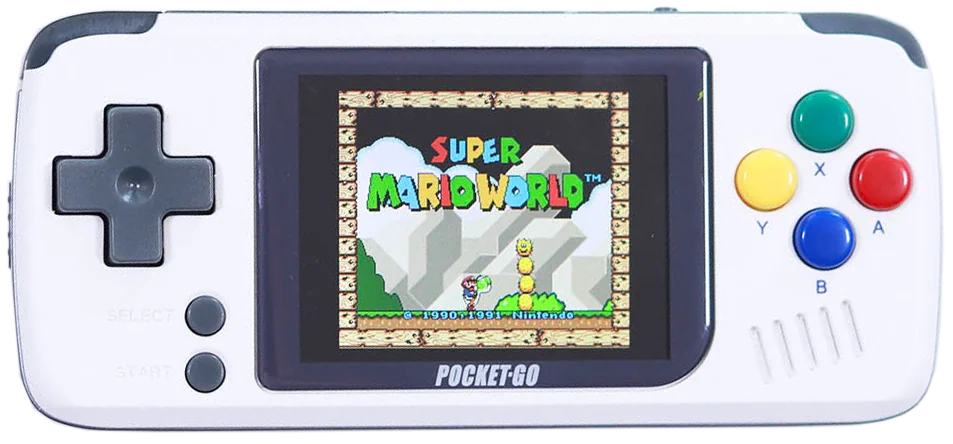
The GamePi20 is an ultra budget horizontal retro handheld from WaveShare with a 2.0-inch 320×240 IPS screen, WiFi and Bluetooth, and runs Linux (RetroPie). It is best suited for Genesis, Game Boy, NES, with support listed up to Genesis. It typically sells for around $30.
- Screen
- 2.0 inch IPS
- Chipset
- Broadcom BCM2835
- RAM
- 512 MB LPDDR2
- Battery
- 14500
- Weight
- 150 grams
- OS
- Linux (RetroPie)
Emulation
- Classicmixed
- NESExcellent
- Game BoyExcellent
- SNESPlayable
- GBAGood
- GenesisExcellent
- PS1Playable
- Mid-genlimited
- N64Limited
- DSNo
- PSPNo
- DreamcastNo
- SaturnNo
- 6th genunsupported
- GameCubeNo
- WiiNo
- PS2No
- Modernunsupported
- 3DSNo
- Wii UNo
- PS3No
- SwitchNo
Notes on 18 systems
- DS: Nintendo DS: Either cannot run any games at all or games are unplayably slow
- 3DS: Nintendo 3DS: Either cannot run any games at all or games are unplayably slow
- GBA: Nintendo Game Boy Advance: Most games playable at full speed, a few games have lower frame rates but still mostly playable with frameskip
- N64: Nintendo 64: Only the easiest to emulate games are barely playable
- NES: Nintendo Entertainment System: Almost all games playable at full speed without frameskip
- PS1: Sony Playstation: Most games playable but mostly with frameskip, struggles with harder to emulate games
- PS2: Sony Playstation 2: Either cannot run any games at all or games are unplayably slow
- PS3: Sony Playstation 3: Either cannot run any games at all or games are unplayably slow
- PSP: Sony Playstation Portable: Either cannot run any games at all or games are unplayably slow
- Wii: Nintendo Wii: Either cannot run any games at all or games are unplayably slow
- SNES: Super Nintendo Entertainment System: Most games playable but mostly with frameskip, struggles with harder to emulate games
- Wii U: Nintendo Wii U: Either cannot run any games at all or games are unplayably slow
- Saturn: Sega Saturn: Either cannot run any games at all or games are unplayably slow
- Switch: Nintendo Switch: Either cannot run any games at all or games are unplayably slow
- Genesis: Sega Genesis / Mega Drive: Almost all games playable at full speed without frameskip
- Game Boy: Game Boy / Game Boy Color: Almost all games playable at full speed without frameskip
- GameCube: Nintendo GameCube: Either cannot run any games at all or games are unplayably slow
- Dreamcast: Sega Dreamcast: Either cannot run any games at all or games are unplayably slow
Played on the WaveShare GamePi20
No sessions on the WaveShare GamePi20 yet. Own one? Add it to your shelf and your play shows up here.
Specifications
General
- Released
- August 2019
- Type
- Handheld, Horizontal
- Operating system
- Linux (RetroPie)
- Price range
- Ultra Budget
Display
- Screen
- 2.0 inch IPS
- Resolution
- 320 x 240 (4:3)
- Pixel density
- 200 PPI
- Refresh rate
- 60 Hz
Performance
- Chipset
- Broadcom BCM2835
- CPU
- ARM1176JZF-S, 1 cores, 1.0 GHz
- GPU
- Broadcom VideoCore IV, 250 MHz
- RAM
- 512 MB LPDDR2 LPDDR2
- Storage
- Internal MicroSD
- Architecture
- ARM
Battery and build
- Battery
- 14500
- Weight
- 150 grams
- Dimensions
- 108 mm x 50 mm x 20 mm
- Material
- Plastic
Controls
- D-pad
- Top
- Sticks
- None
- Extra buttons
- ❌
Connectivity
- Wi-Fi
- 802.11 b/g/n
- Bluetooth
- 4.1
- Ports
- HDMI out, 3.5mm jack
- Storage slot
- microSD
- Speakers
- Mono
FAQ
What systems can the WaveShare GamePi20 emulate?
The WaveShare GamePi20 plays systems up to Genesis at excellent quality. It is at its best with Genesis, Game Boy, NES.
Can the WaveShare GamePi20 play Genesis games?
Yes. Genesis performance on the WaveShare GamePi20 is rated excellent in our catalog. Sega Genesis / Mega Drive: Almost all games playable at full speed without frameskip
Can the WaveShare GamePi20 play PS1 games?
Only partially. PS1 on the WaveShare GamePi20 is playable with compromises. Sony Playstation: Most games playable but mostly with frameskip, struggles with harder to emulate games
How much does the WaveShare GamePi20 cost?
The WaveShare GamePi20 typically sells for around $30, which puts it in the ultra budget tier of retro handhelds.
What operating system does the WaveShare GamePi20 run?
The WaveShare GamePi20 ships with Linux (RetroPie).
What screen does the WaveShare GamePi20 have?
It has a 2.0 inch IPS display with a 4:3 aspect ratio, running at 320 x 240 at 200 PPI.
Price alert
We’re not tracking prices for this one yet.
Reviews
No reviews of the WaveShare GamePi20 yet. Own one? Say what you play on it, which firmware you run, and where it sits in your rotation.