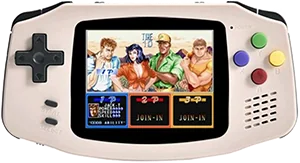
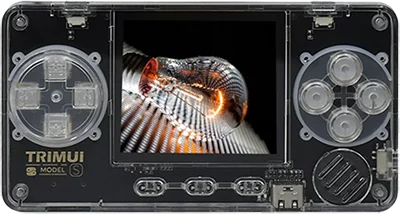
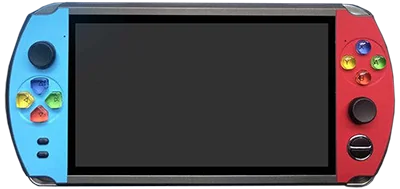
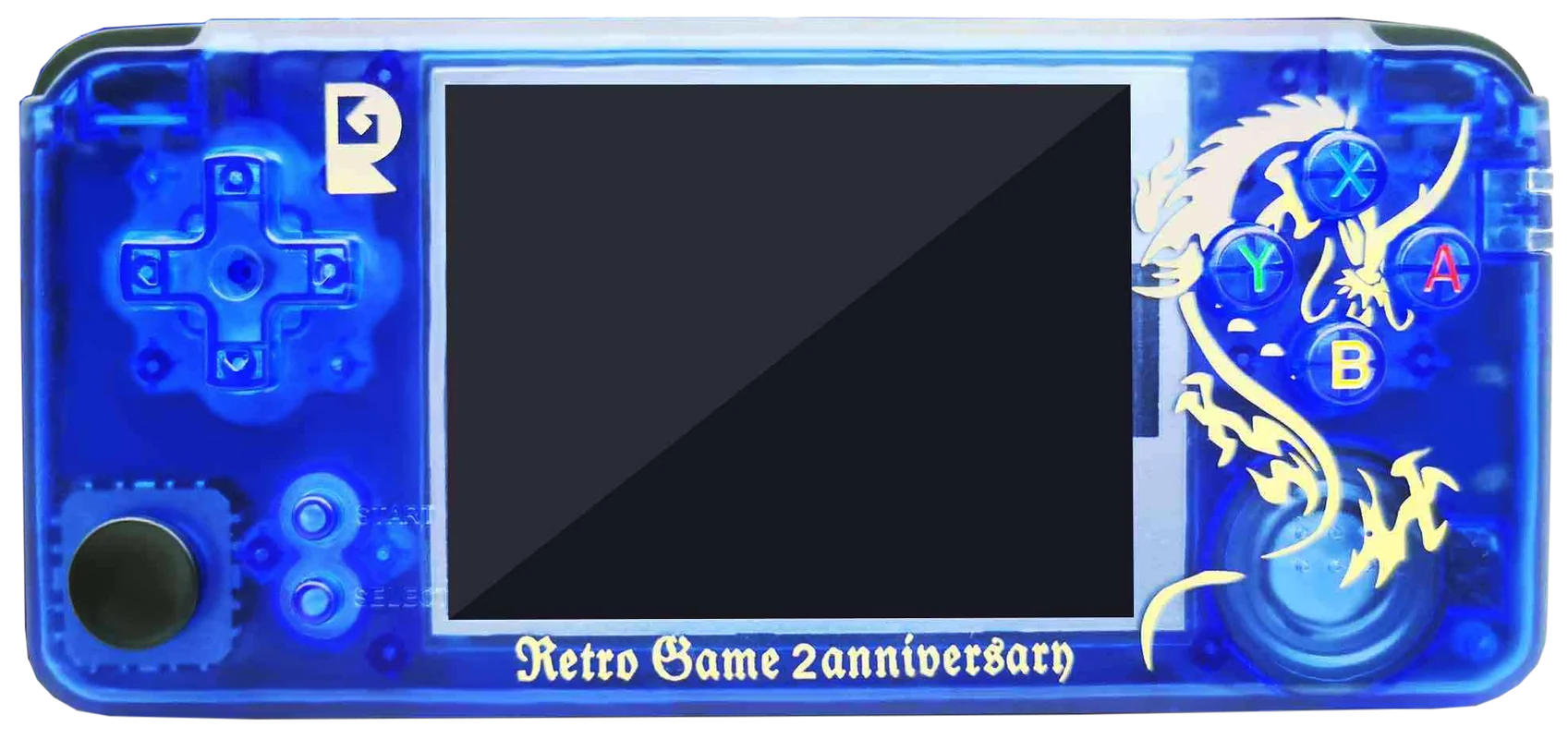
Powkiddy A13 vs. WaveShare GamePi20

Specs, emulation, community reviews, ownership and play history, side by side.

Compare

With
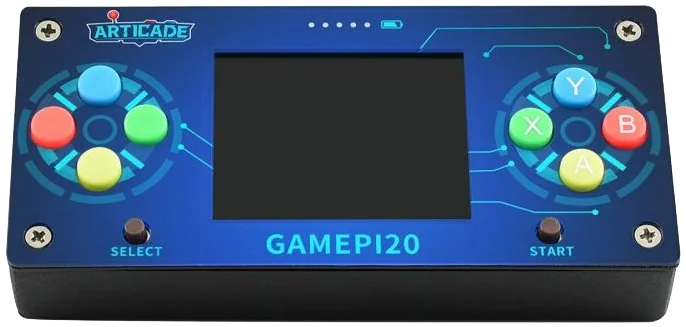
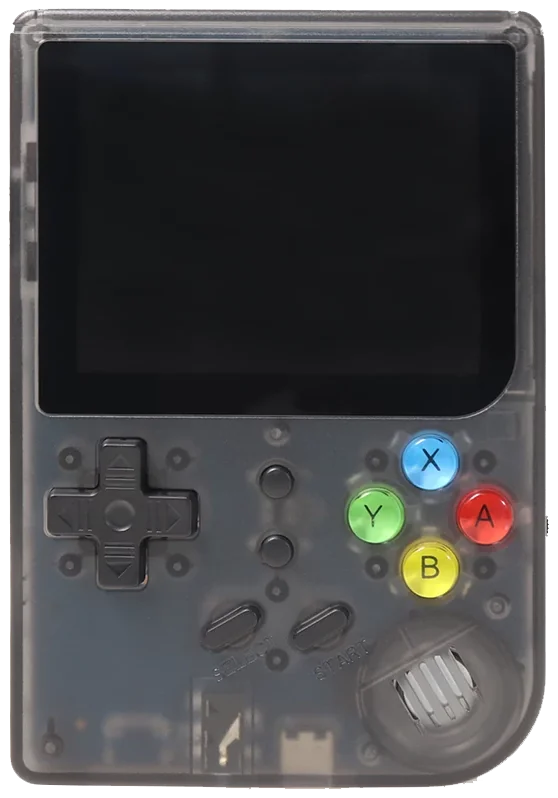
Shown to scale from each device’s real-world dimensions.

Quick verdict

Best value
GamePi20
Better screen
GamePi20
More portable
GamePi20
Newer model
A13

Main differences

  • Powkiddy A13 has stronger listed emulation coverage.
  • WaveShare GamePi20 is about $10 cheaper based on catalog pricing.
  • WaveShare GamePi20 is roughly 89% smaller and 88% lighter.
  • Powkiddy A13 has a TFT screen, versus 60 Hz IPS on WaveShare GamePi20.
  • Powkiddy A13 runs Linux; WaveShare GamePi20 runs Linux (RetroPie).
  • Powkiddy A13 is highlighted for Genesis, GBA, SNES, NES; WaveShare GamePi20 is highlighted for Genesis, Game Boy, NES.

Powkiddy

A13

Details
Price
$70.00
OS
Linux
Released
Jan 2020
Up to
Genesis
Screen
10 inches TFT
Weight
1274 grams

We’re not tracking prices for this one yet.

No reviews yet

WaveShare

GamePi20

Details
Price
$60.00
OS
Linux (RetroPie)
Released
Aug 2019
Up to
Genesis
Screen
2.0 inch IPS
Weight
150 grams

We’re not tracking prices for this one yet.

No reviews yet

Specs

BetterWorse

SpecA13GamePi20
Price$70.00$60.00
OSLinuxLinux (RetroPie)
Screen10 inches2.0 inch
Aspect ratio16:94:3
Resolution1024x600320 x 240
Refresh rateUnknown60 Hz
PanelTFTIPS
ChipsetRockchip RK3128Broadcom BCM2835
CPUARM Cortex-A7ARM1176JZF-S
GPUMali-400 MP2Broadcom VideoCore IV
RAM256 MB512 MB LPDDR2
StoragemicroSD (32 GB card included with stock unit)Internal MicroSD
Battery4000 mAh14500
Weight1274 grams150 grams
Dimensions264 x 178 x 60 mm108 mm x 50 mm x 20 mm
BluetoothUnknownYes

Emulation

Excellent › Good › Playable › Limited › Unsupported

SystemA13GamePi20
Classic systems
Game BoyExcellent
NESExcellent
GenesisGood
GBAExcellent
SNESGood
PS1Playable
Mid-generation systems
DSUnknown
N64Unsupported
DreamcastUnsupported
PSPUnsupported
SaturnUnknown
Sixth-generation systems
GameCubeUnknown
WiiUnknown
PS2Unknown
Modern systems
3DSUnknown
SwitchUnknown
Wii UUnknown
PS3Unknown

Emulation source notes

  • GamePi20 GBA: Nintendo Game Boy Advance: Most games playable at full speed, a few games have lower frame rates but still mostly playable with frameskip
  • GamePi20 N64: Nintendo 64: Only the easiest to emulate games are barely playable
  • GamePi20 NES: Nintendo Entertainment System: Almost all games playable at full speed without frameskip
  • GamePi20 PS1: Sony Playstation: Most games playable but mostly with frameskip, struggles with harder to emulate games
  • GamePi20 PSP: Sony Playstation Portable: Either cannot run any games at all or games are unplayably slow
  • GamePi20 SNES: Super Nintendo Entertainment System: Most games playable but mostly with frameskip, struggles with harder to emulate games
  • GamePi20 Genesis: Sega Genesis / Mega Drive: Almost all games playable at full speed without frameskip
  • GamePi20 Game Boy: Game Boy / Game Boy Color: Almost all games playable at full speed without frameskip
  • GamePi20 Dreamcast: Sega Dreamcast: Either cannot run any games at all or games are unplayably slow
  • GamePi20 DS: Nintendo DS: Either cannot run any games at all or games are unplayably slow
  • GamePi20 3DS: Nintendo 3DS: Either cannot run any games at all or games are unplayably slow
  • GamePi20 PS2: Sony Playstation 2: Either cannot run any games at all or games are unplayably slow
  • GamePi20 PS3: Sony Playstation 3: Either cannot run any games at all or games are unplayably slow
  • GamePi20 Wii: Nintendo Wii: Either cannot run any games at all or games are unplayably slow
  • GamePi20 Wii U: Nintendo Wii U: Either cannot run any games at all or games are unplayably slow
  • GamePi20 Saturn: Sega Saturn: Either cannot run any games at all or games are unplayably slow
  • GamePi20 Switch: Nintendo Switch: Either cannot run any games at all or games are unplayably slow
  • GamePi20 GameCube: Nintendo GameCube: Either cannot run any games at all or games are unplayably slow

Frequently asked

What's the difference between the Powkiddy A13 and the WaveShare GamePi20?
Powkiddy A13 has stronger listed emulation coverage. WaveShare GamePi20 is about $10 cheaper based on catalog pricing. WaveShare GamePi20 is roughly 89% smaller and 88% lighter. Powkiddy A13 has a TFT screen, versus 60 Hz IPS on WaveShare GamePi20. Powkiddy A13 runs Linux; WaveShare GamePi20 runs Linux (RetroPie). Powkiddy A13 is highlighted for Genesis, GBA, SNES, NES; WaveShare GamePi20 is highlighted for Genesis, Game Boy, NES.
Which is cheaper, the Powkiddy A13 or the WaveShare GamePi20?
The WaveShare GamePi20 is the cheaper of the two at around $60.00, roughly $10.00 less than the Powkiddy A13 based on catalog pricing.
Which is newer, the Powkiddy A13 or the WaveShare GamePi20?
The Powkiddy A13 is the newer model, released in 2020.

Compare A13 with