Track play sessions on Knulli with retroshelf
Install the retroshelf plugin on Knulli (Anbernic RG35XX, RG40XX, TrimUI, and more) and send your play sessions to your collection.
What you need
Install the plugin
Download the plugin
Download the Knulli plugin zip.
Extract into the Tools folder
Extract the zip into /userdata/roms/tools/ so you get a retroshelf/ folder (with retroshelf.sh inside it).
/userdata/roms/tools/retroshelf/retroshelf.sh
Refresh the games list
Open the Start menu, go to Games settings › Update gamelists, or simply reboot the device. retroshelf then appears in the Tools category.
Launch and link
Make sure Wi-Fi is enabled in the EmulationStation network settings, then open retroshelf from the Tools category. You'll see a 6-character code.
On your phone or computer, go to retroshelf.org/link and enter the code. The app links your device automatically. On this first launch, retroshelf also installs the hook that records your sessions.
Play games
Play normally. When you leave a game, retroshelf syncs the session if your device is online. You can also open retroshelf any time to sync manually.
How sync works
Session hook
A hook installed on first launch records every game start and stop, so sessions are captured without any manual tracking.
Works offline
No Wi-Fi? Sessions queue on the device and sync the next time you're connected.
Automatic sync
After setup, new sessions sync when you finish a game. You can still open retroshelf to sync manually.
Clock-jump protection
If the device clock jumps, retroshelf skips sessions that clearly cannot be right, like runs longer than 12 hours.
Compatible devices
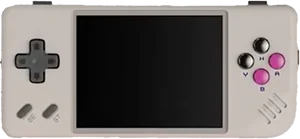
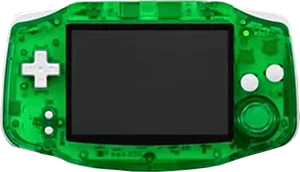
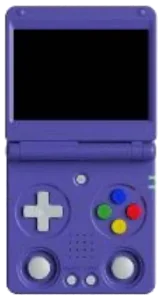
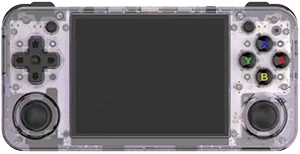
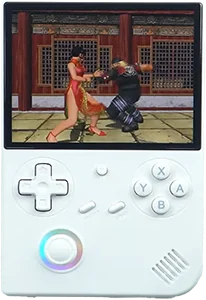
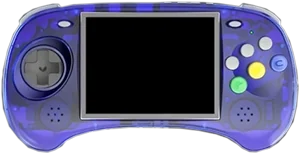
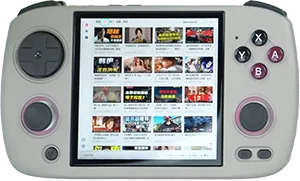
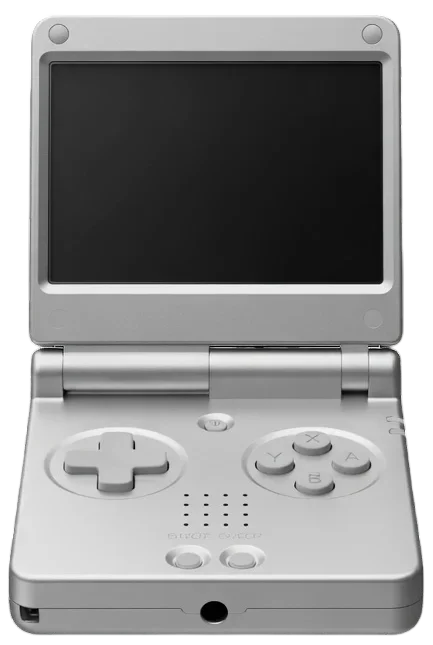
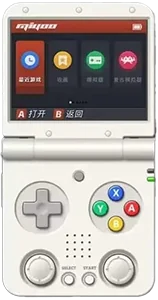
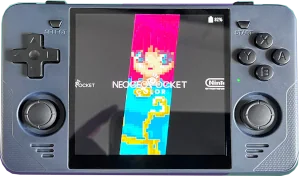
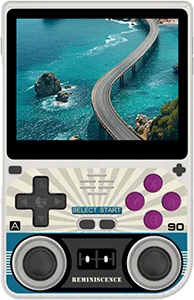
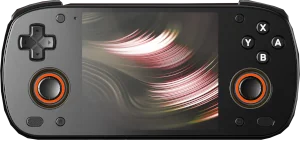
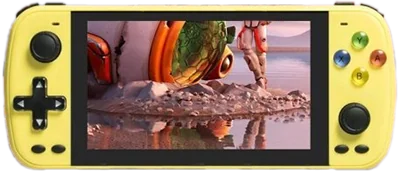
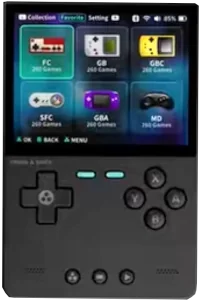
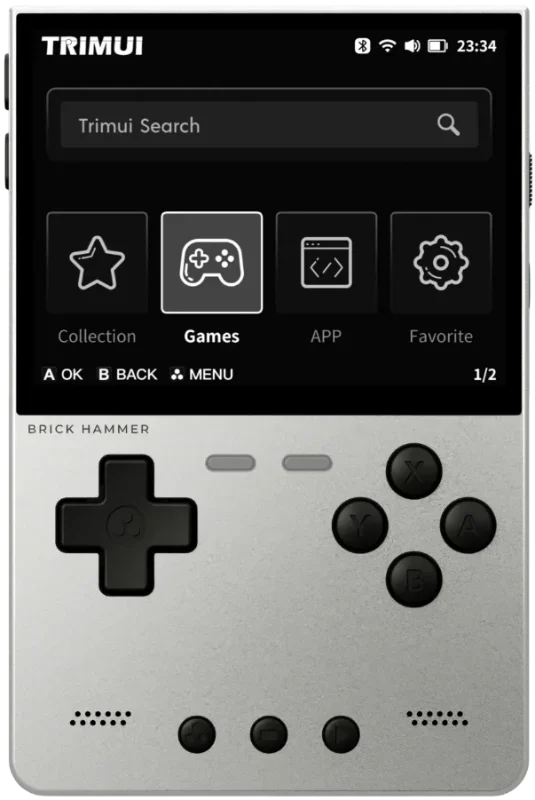
The retroshelf plugin works on Knulli devices with Wi-Fi. These are currently supported:
Anbernic
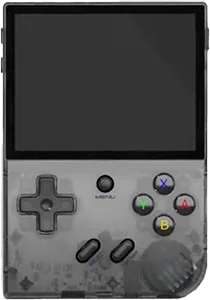
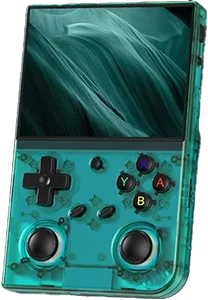
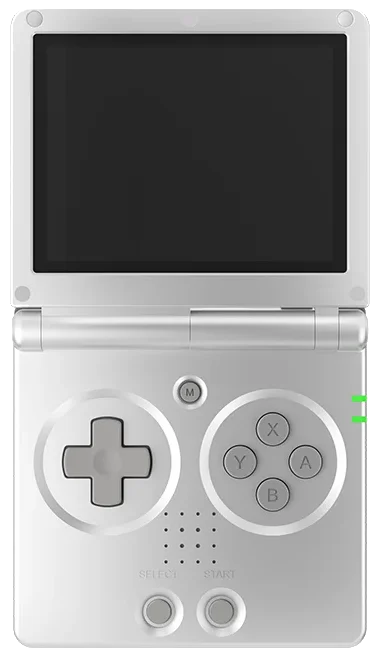
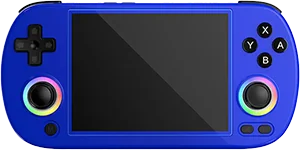
BATLEXP
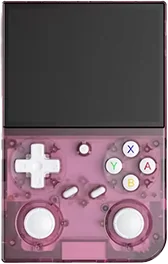
Game Console
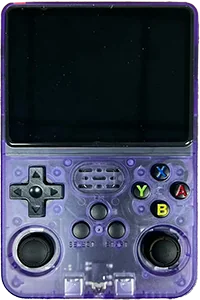
Game Kiddy
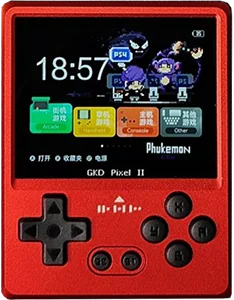
MagicX
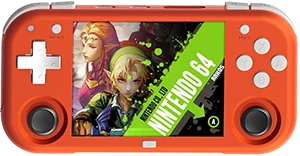
Miyoo
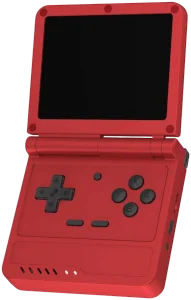
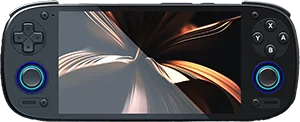
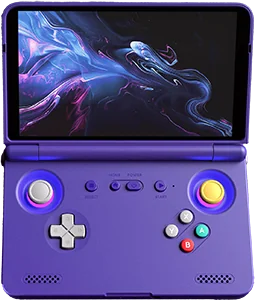
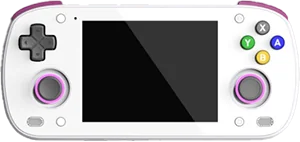
Set up in under 5 minutes
Download the plugin and link your Knulli device.
Questions
Does the retroshelf plugin need Wi-Fi to track play time?
Wi-Fi is only needed to link and sync. When you're offline, sessions queue on the device and sync automatically the next time you're connected.
How does retroshelf record sessions on Knulli?
The first time you launch retroshelf, it installs a small hook that Knulli runs whenever a game starts or stops. The hook records each session locally, and retroshelf syncs it to your collection.
Do I need to refresh the games list after installing?
Yes. Knulli only picks up new Tools entries after you update the gamelists (Start menu → Games settings → Update gamelists) or reboot the device.
How do I uninstall the retroshelf plugin?
To unlink, go to Settings on retroshelf and revoke the device. To uninstall, first run retroshelf/bin/retroshelf-uninstall.sh to remove the game hook and synced state (add --keep-data if you plan to reinstall), then delete the retroshelf/ folder from /userdata/roms/tools/.