Track play sessions on NextUI with retroshelf
Install the retroshelf pak on a TrimUI handheld running NextUI and sync its native play-session history to your collection.
What you need
Install the pak
Download and copy the pak
Download the NextUI zip and extract it. Copy the resulting retroshelf.pak/ folder to the Tools
directory for your device, either Tools/tg5040/ or Tools/tg5050/.
Launch and link
Turn on Wi-Fi, then open retroshelf from the Tools menu. Enter the shown code at retroshelf.org/link on your phone or computer. Your existing completed NextUI sessions are imported during the first sync.
Play games
Play normally. After you leave a game, retroshelf waits for NextUI to finish recording it, then syncs the session in the background. Offline sessions stay queued until the next automatic or manual sync.
How sync works
Native play history
retroshelf reads completed sessions from the activity database NextUI already maintains.
Automatic catch-up
Background hooks sync after games, on boot, and after deep-sleep resume without delaying NextUI.
Works offline
Sessions remain on the device when Wi-Fi is unavailable and sync on the next opportunity.
In-app updates
Open Settings in retroshelf and choose Check for updates to install a new release without copying files from another device.
Compatible devices
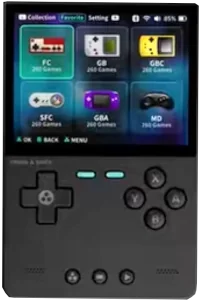
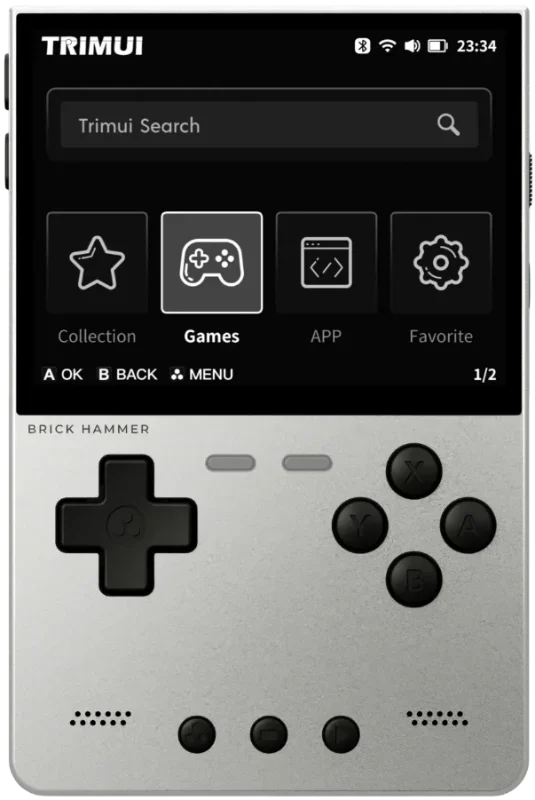
The NextUI pak supports these TrimUI devices:
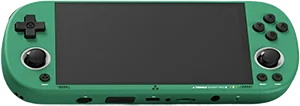
Bring your NextUI history to retroshelf
Install the pak and link your TrimUI device.
Questions
Which NextUI devices does retroshelf support?
TrimUI Brick, Brick Pro, Smart Pro, Smart Pro S, and Brick Hammer are supported. Automatic sync hooks require NextUI 6.11.0 or newer.
Does retroshelf import sessions from before I installed it?
Yes. The first sync imports every completed session already stored by NextUI with its original start time and duration.
What happens when I launch a multi-disc game from an m3u file?
NextUI records the resolved disc file instead of the m3u playlist. retroshelf uses that disc file for matching, so a multi-disc launch may appear as disc 1.
How does sleep affect a play session?
NextUI closes the current session when the device sleeps and starts another after it wakes. retroshelf preserves those awake intervals as separate sessions.
What happens if the battery dies during a game?
NextUI may count the powered-off time when it closes the interrupted session after the next boot. retroshelf rejects any single session longer than 12 hours, but shorter overcounts can still be imported.
How do I uninstall the retroshelf pak?
Run bin/retroshelf-uninstall.sh from the pak before removing it to clean up the three hook files and local sync state, then delete the retroshelf.pak folder. Hooks left behind by deleting the folder directly are inert because they exit when the retroshelf engine is missing.