Track play sessions on Anbernic Stock OS with retroshelf
Install the retroshelf app on the Linux firmware your Anbernic handheld came with and send your play sessions to your collection.
What you need
Install the app
Download the app
Copy it into the APPS folder
Extract the zip into Roms/APPS/ on the games card, so that retroshelf.sh sits next to a retroshelf/ folder.
Roms/APPS/retroshelf/
Launch and link
Turn on Wi-Fi, then go to App Center › Apps › TF-1 from the home screen and launch retroshelf. You'll see a 6-character code.
On your phone or computer, go to retroshelf.org/link and enter the code. The app links your device automatically.
Play games
Play as usual, from the system lists or from RA Game. When you leave a game, retroshelf syncs the session if your device is online. You can also open retroshelf any time to sync manually.
How sync works
A recorder, not a plugin
The stock OS can't run plugins, so retroshelf watches for its emulators and RetroArch, and records each game from start to finish.
Starts at boot
After the first launch, the recorder starts every time the device boots, so you don't need to open retroshelf first.
Sleep isn't play time
Time the device spends asleep in the middle of a game is left out of the session.
Works offline
No Wi-Fi? Sessions queue on the device and sync the next time you're connected.
Compatible devices
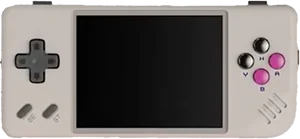
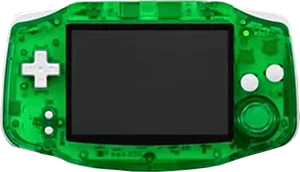
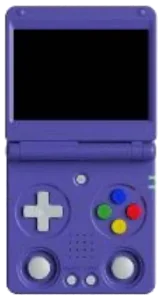
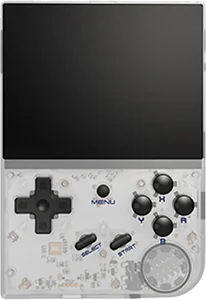
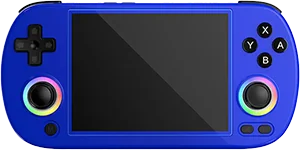
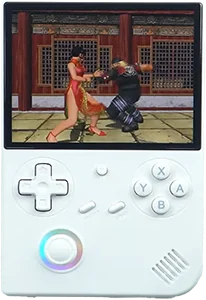
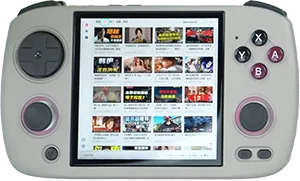
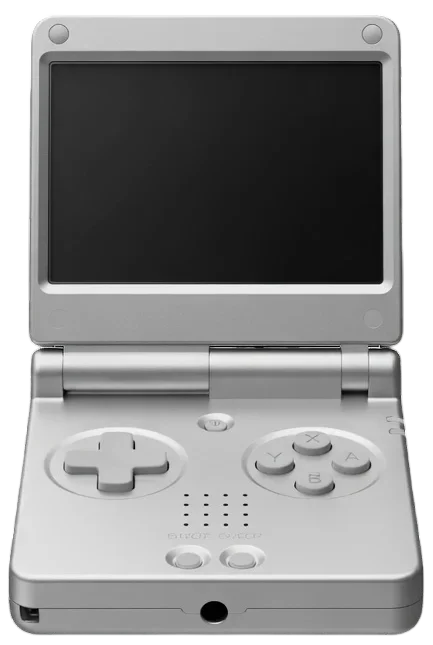
The retroshelf app works on Anbernic's H700 handhelds running their stock firmware. These are currently supported:
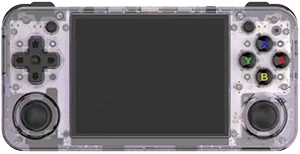
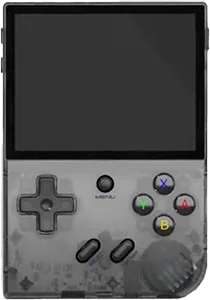
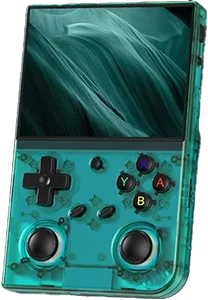
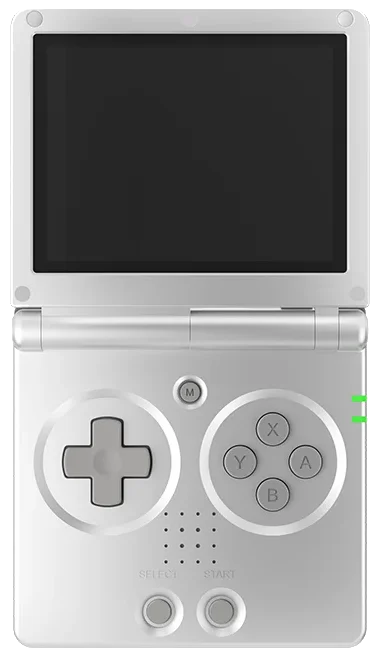
Set up in under 5 minutes
Download the app and link your Anbernic handheld.
Questions
Which firmware does this work on?
The Linux firmware Anbernic ships on its H700 handhelds (RG35XX Plus, H, SP and Pro, RG40XX H and V, RG CubeXX, RG34XX and RG34XX SP, RG28XX, RG SP), from the 64-bit releases of June 2024 onwards. Anbernic's Android handhelds use the Android app instead.
How does retroshelf record sessions on the stock OS?
The stock OS has no plugin system, so retroshelf runs a small recorder that notices when one of its emulators or RetroArch starts and stops a game. It starts when you open retroshelf, and at every boot through an update.sh script retroshelf places on the games card. Time the device spends asleep doesn't count.
Does it change the system?
No. Everything retroshelf installs lives on the games card: the app in Roms/APPS and the boot script in update/update.sh. Delete that script from a computer to stop it starting at boot.
Does the retroshelf app need Wi-Fi to track play time?
Wi-Fi is only needed to link and sync. When you're offline, sessions queue on the device and sync the next time you're connected.
How do I uninstall the retroshelf app?
To unlink, go to Settings on retroshelf and revoke the device. To uninstall, first run Roms/APPS/retroshelf/bin/retroshelf-uninstall.sh to remove the boot script and synced state (add --keep-data if you plan to reinstall), then delete retroshelf.sh and the retroshelf/ folder from Roms/APPS.